Personal access
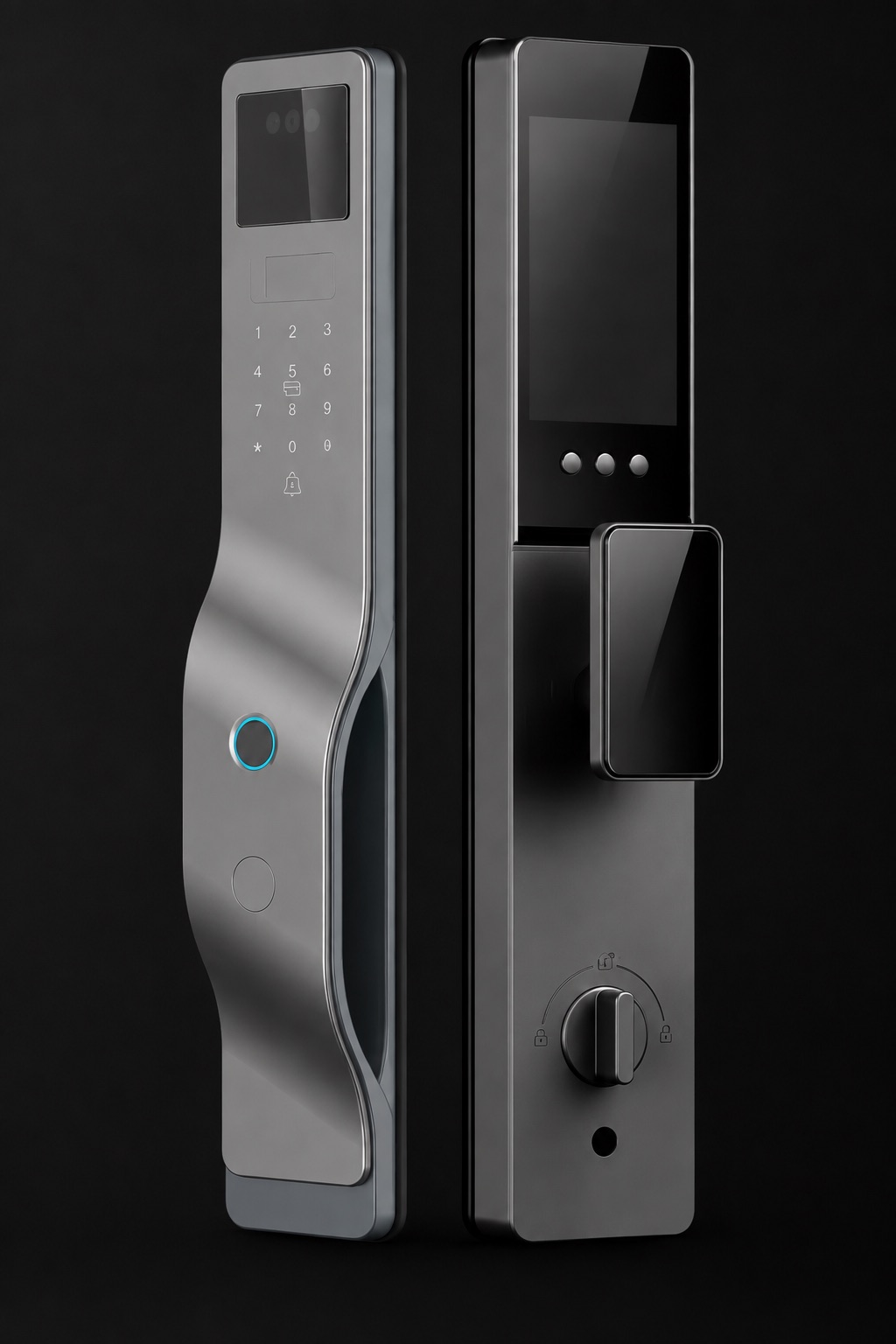
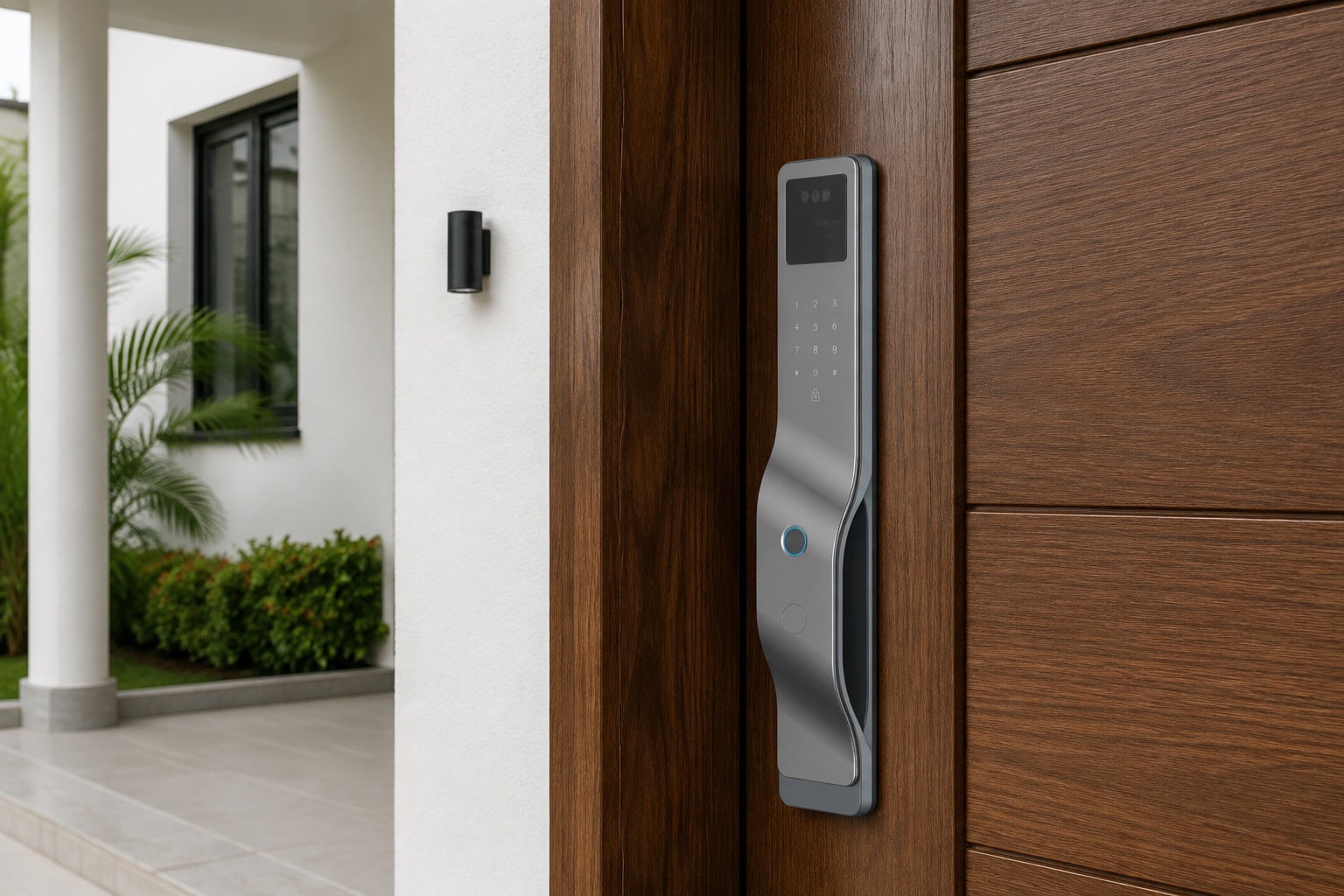
Face, palm and fingerprint recognition give you a choice of biometric entry methods.
 AROVENIQ
AROVENIQ SMART ENTRY
Face and palm recognition. A 4.5-inch indoor display. Connected control, with practical backup entry.
Website retail price · Ghana cedis
Ghana-based installation & support. International enquiries welcome.
AROVENIQ01 / 03
AI-enhanced product illustration based on the supplied reference. Finish and details are confirmed with the supplied configuration.
A CLOSER LOOK
Face, palm and fingerprint recognition give you a choice of biometric entry methods.
The door-viewer module pairs radar-based presence sensing with an indoor display.
Tuya connectivity, intercom and live viewing bring everyday functions together.
A front doorbell, tamper alarm, one-button quick opening and automatic locking.
AT HOME
A slim gray profile against a warm timber entrance. We check your door material, thickness, opening direction and existing lock before confirming installation.
Installation process ↗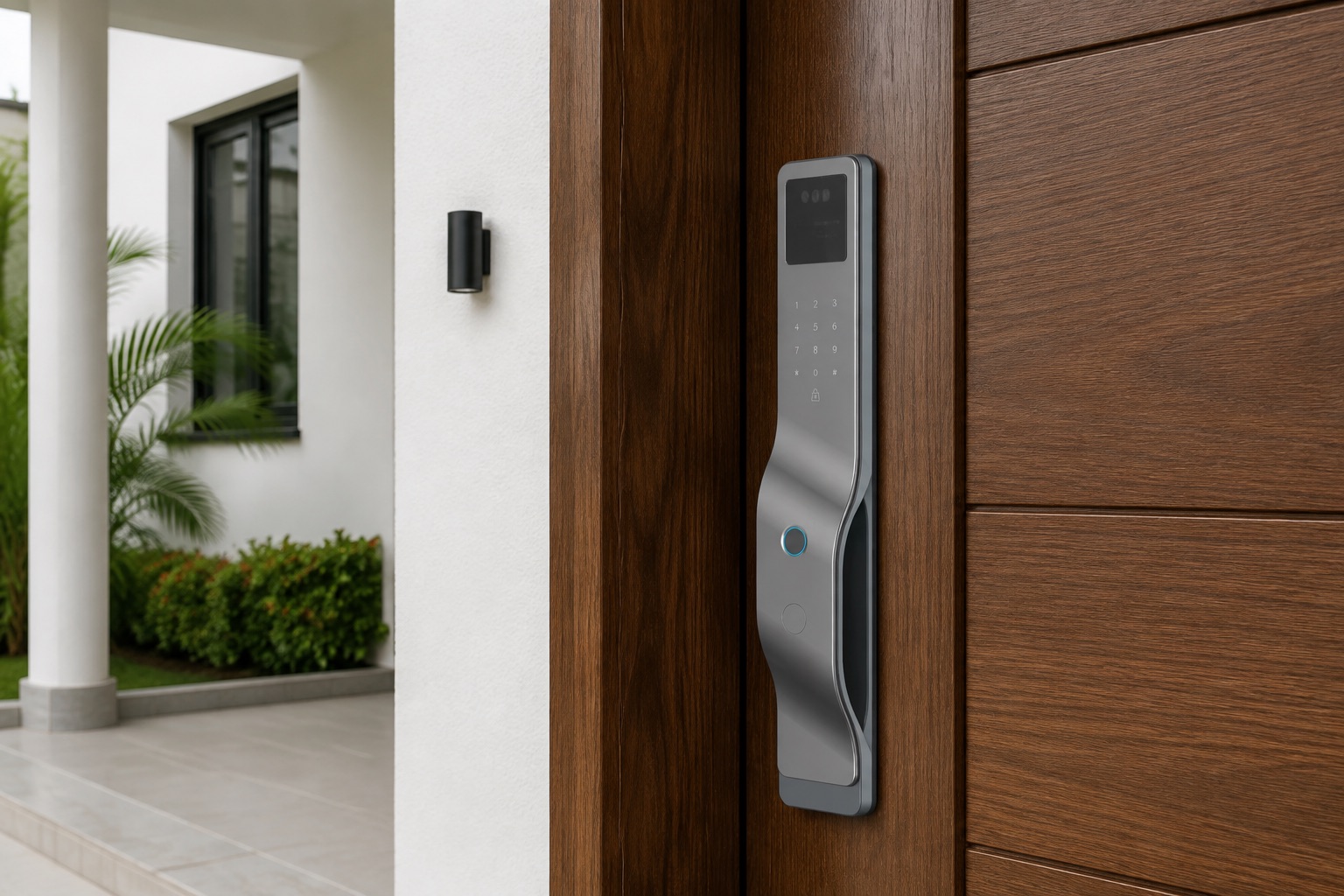
Swipe to explore the details
RECOGNITION
Choose the entry method that fits your routine. Enrol authorized users during setup and ask for a demonstration on your supplied lock.
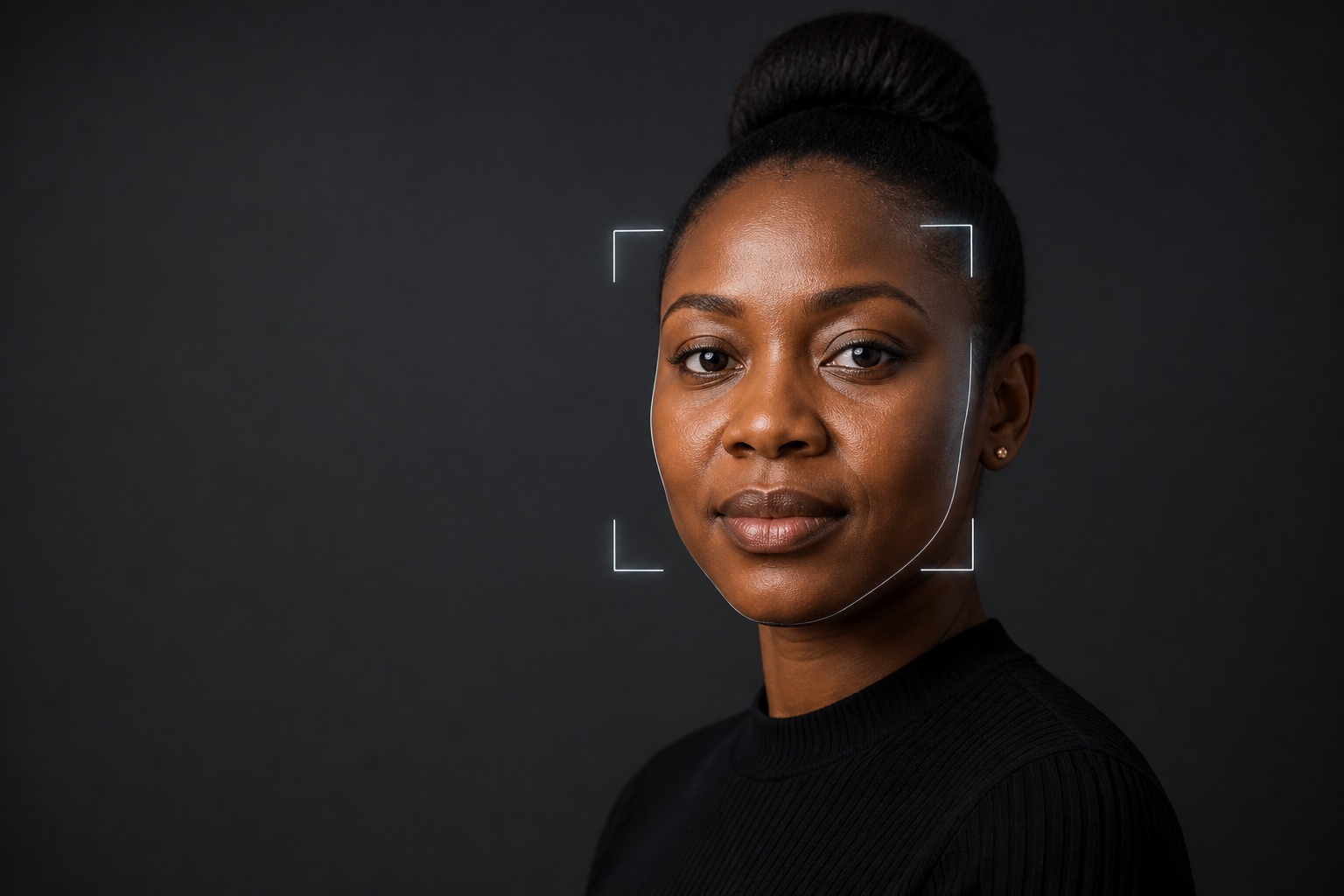
An alternative to reaching for a key or entering a code. Register your face during setup, then use the face-recognition option for everyday entry.
Position, lighting and setup can affect recognition. The demonstration establishes how to use your unit.
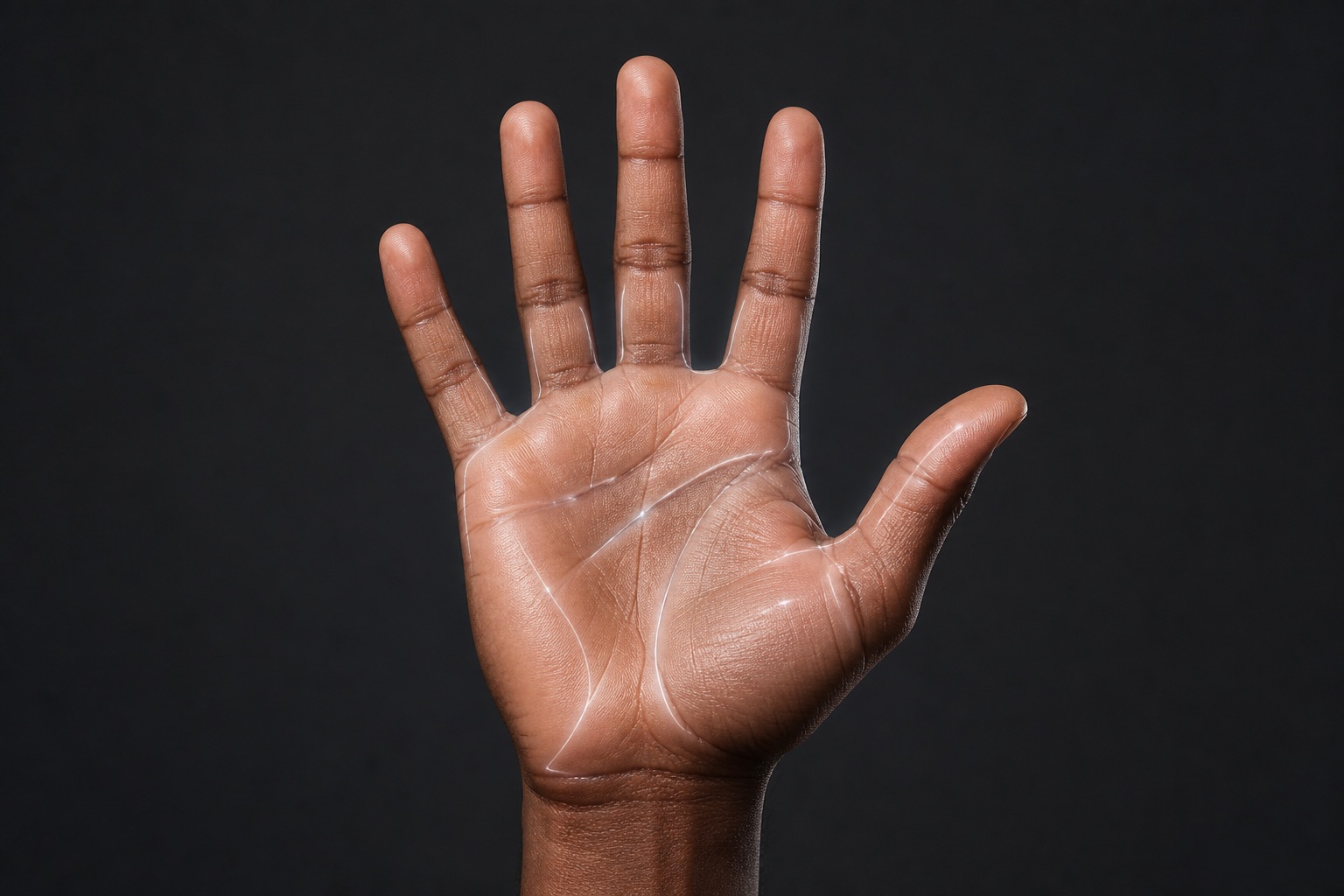
Palm-print recognition adds another personal access option. Register your palm and have the team demonstrate the hand position and operating procedure.
The supplied specification identifies palm-print recognition. It does not publish recognition distance or accuracy figures.
AI-created recognition illustration, not a sensor scan or a performance test.
The supplier specification lists an FPC fingerprint sensor. A familiar touch-based alternative alongside face and palm recognition.
Explore the handle ↓DOORSTEP VIEW
A 4.5-inch indoor screen brings the door-viewer image to the inside of the door. The listed module also includes radar-based presence sensing and Tuya connectivity.
Human-presence sensing is listed in the door-viewer module. Detection range and trigger settings are checked on the supplied unit.
Talk and view using supported functions after setup. App availability, connection requirements and any service charges are confirmed before purchase.
Discuss the devices and routines you want to connect. Compatibility is checked for your selected model and equipment.
A touch. A view outside.
Display interaction illustration, not the physical screen design or a live feed.
CONNECTED TO YOUR DAY
Talk to visitors from your phone, remotely lock or unlock, share a temporary password, and check available doorstep activity records. Supported functions require the supplied lock and app to be set up and connected.
Use mobile intercom and live viewing to speak with someone at the entrance. Confirm who they are before authorizing entry.
Illustrative interface — not an actual app screenshot. No lock is connected and no real command is sent.
Installation illustration · not a live feed
In actual use, speak with the visitor and confirm their identity.
EVERYDAY POSSIBILITIES
Illustrative use cases, not accounts of completed customer installations.
Speak through the supported mobile intercom and check the available view. Confirm the visitor’s identity and arrange the next step without immediately opening the door.
Prepare a temporary password for a cleaner or other authorized visitor. Explain the permitted visit, check the available validity controls and manage access after the appointment.
After confirming who is at the door, an authorized account holder can use remote unlocking. Check the command result and available activity record; arrange for the door to be physically closed before locking it again.
DX-11 Plus · PRODUCT DETAILS
Selected product illustrations bring the controls and connected features into focus. Available functions and accessories are confirmed for your supplied configuration.
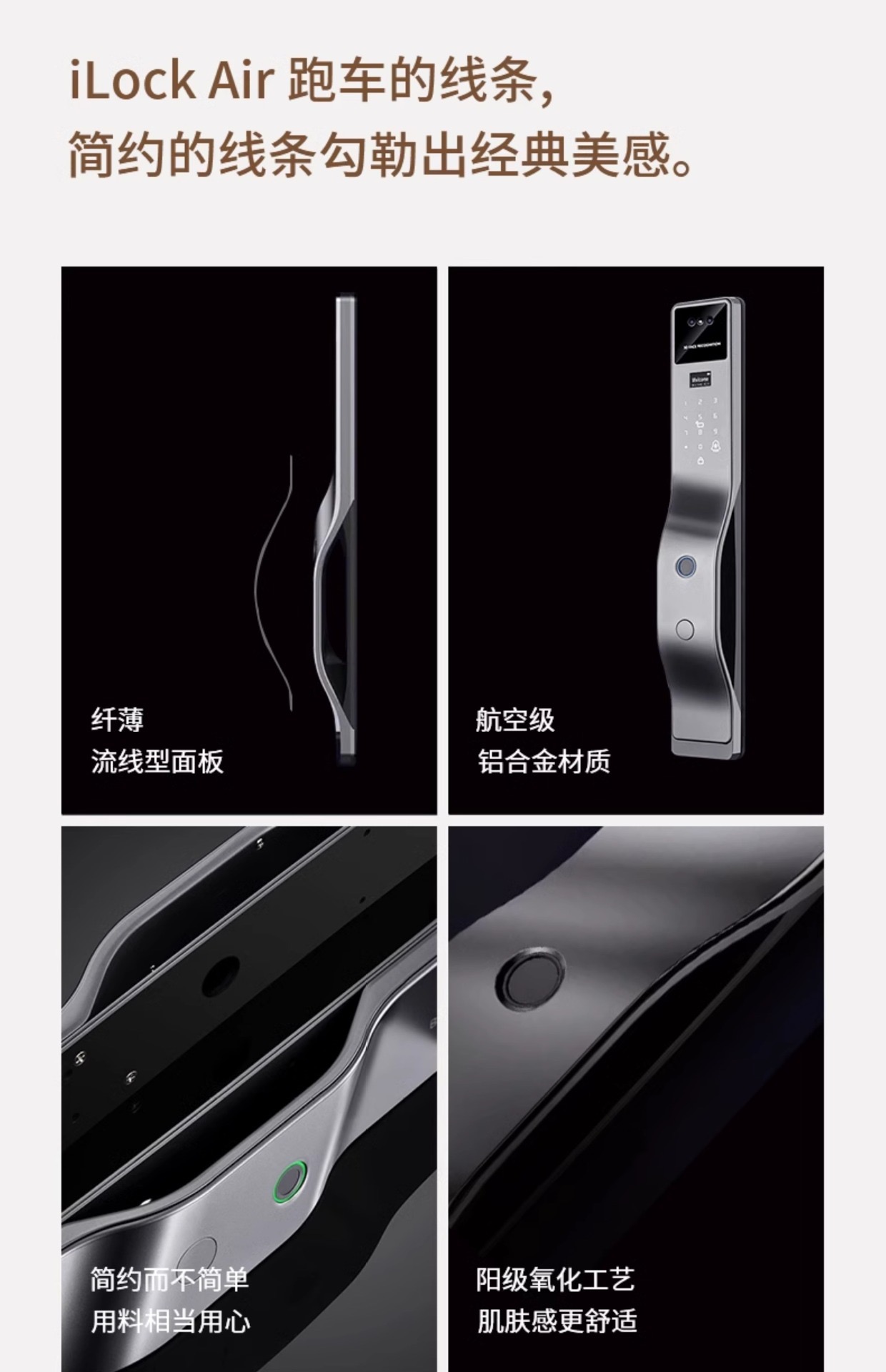
A slim side profile and a curved handle give the exterior panel its distinctive shape. The existing gray finish specification remains unchanged.
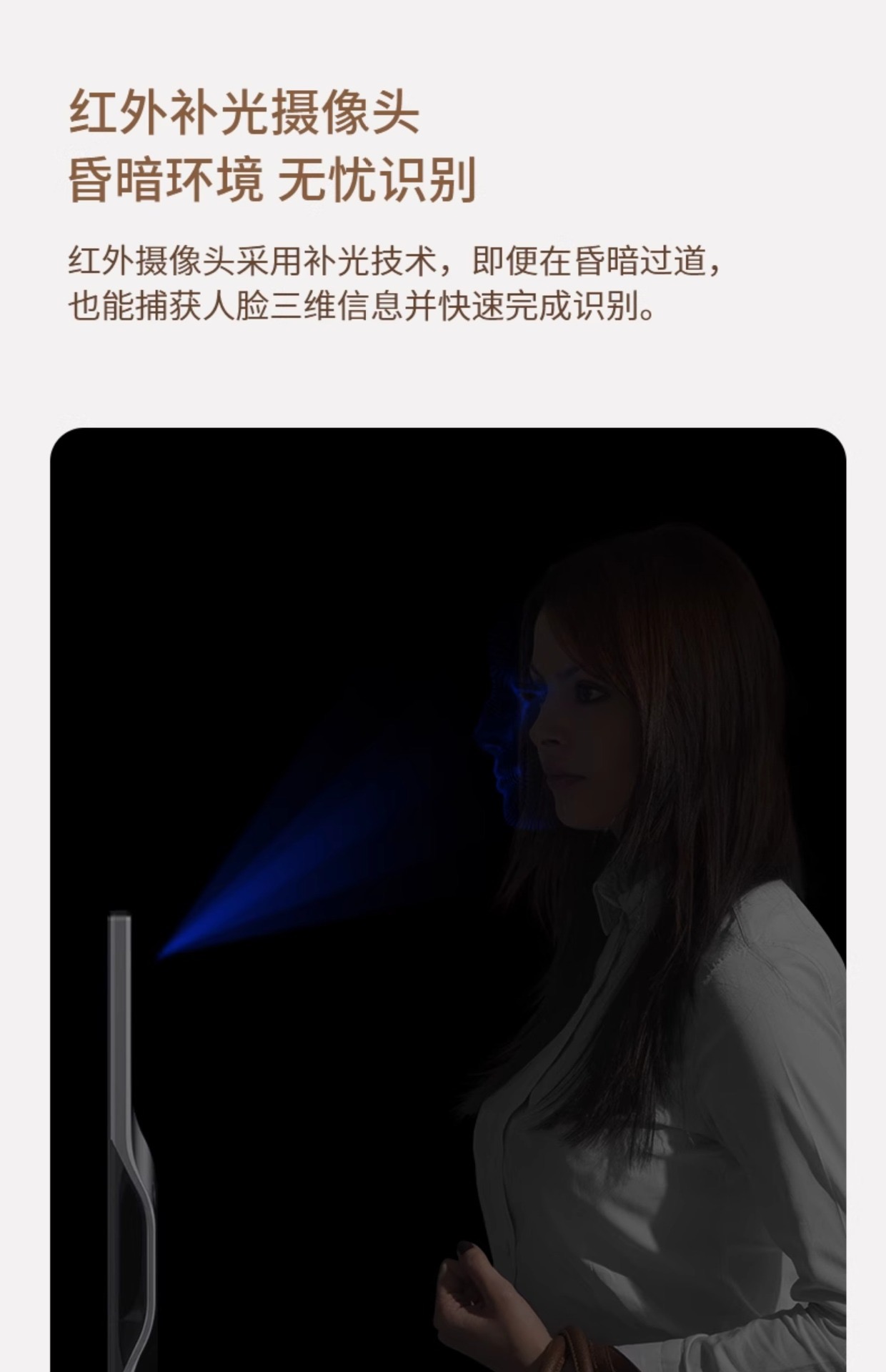
The additional product materials describe 3D face recognition with infrared assistance for dim entrances. Enrolment, position and lighting still matter; ask for a demonstration on the supplied unit.
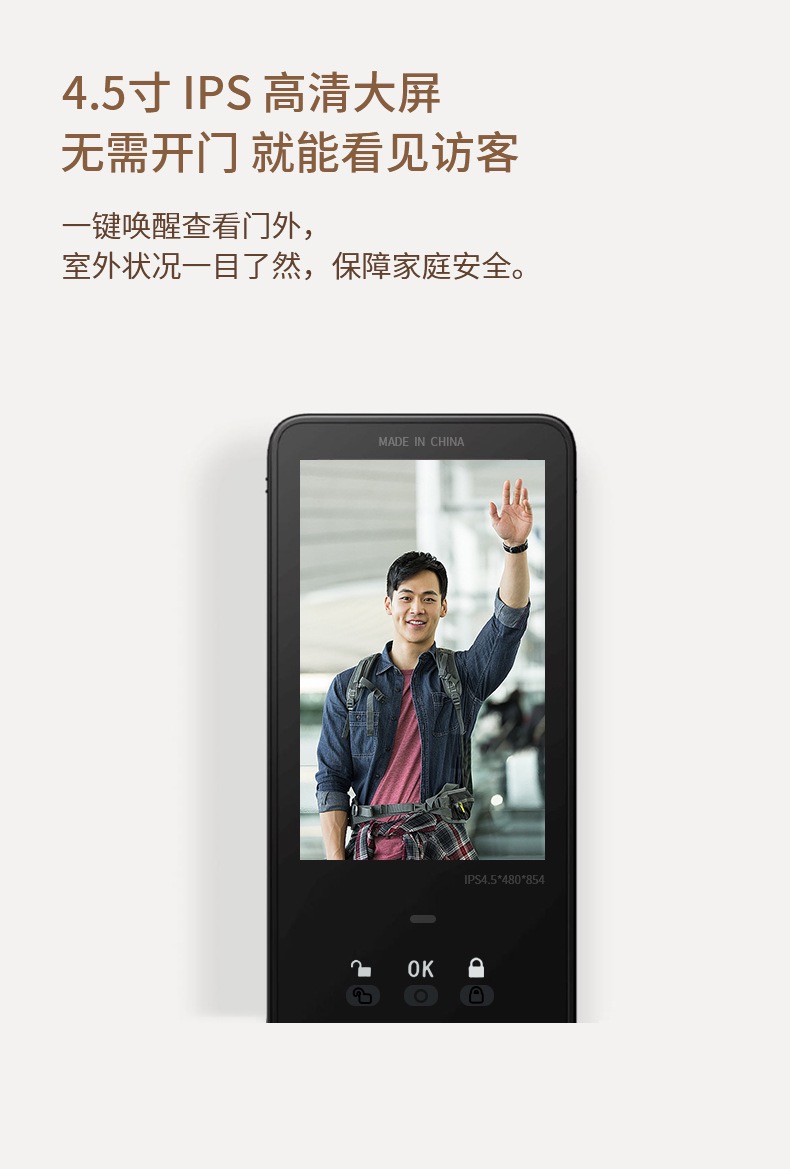
Press the display control to wake the screen and see the visitor without opening the door. The supplied illustration shows the interior panel.
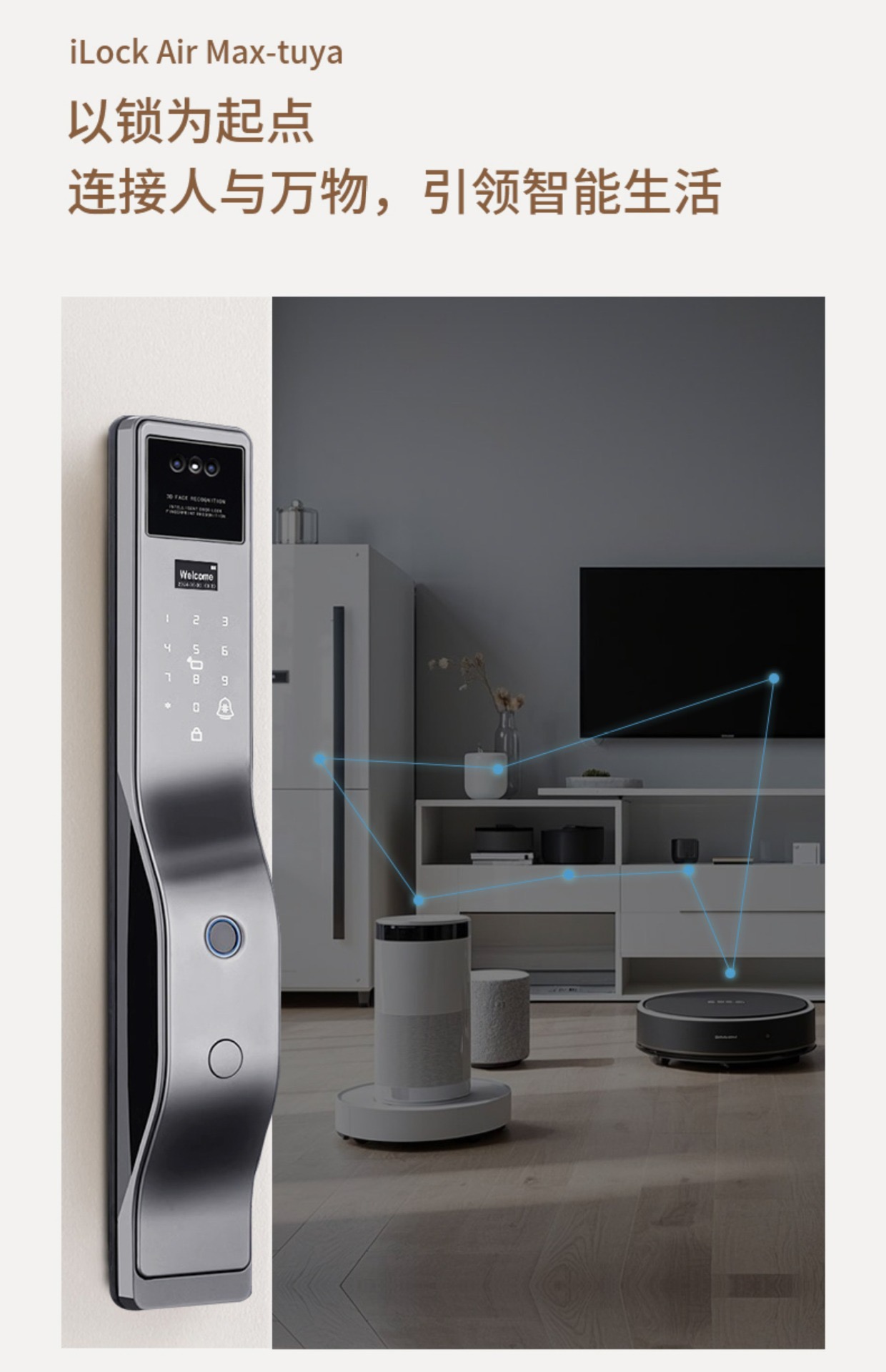
Connect compatible equipment to supported home routines, such as switching on a light when arriving home. The Tuya configuration, compatible gateway and other smart devices must be checked; extra equipment is purchased separately unless included in the quotation.
Supplier illustrations, not customer installations or independent tests. Original poster captions are replaced with selectable text in your chosen language.
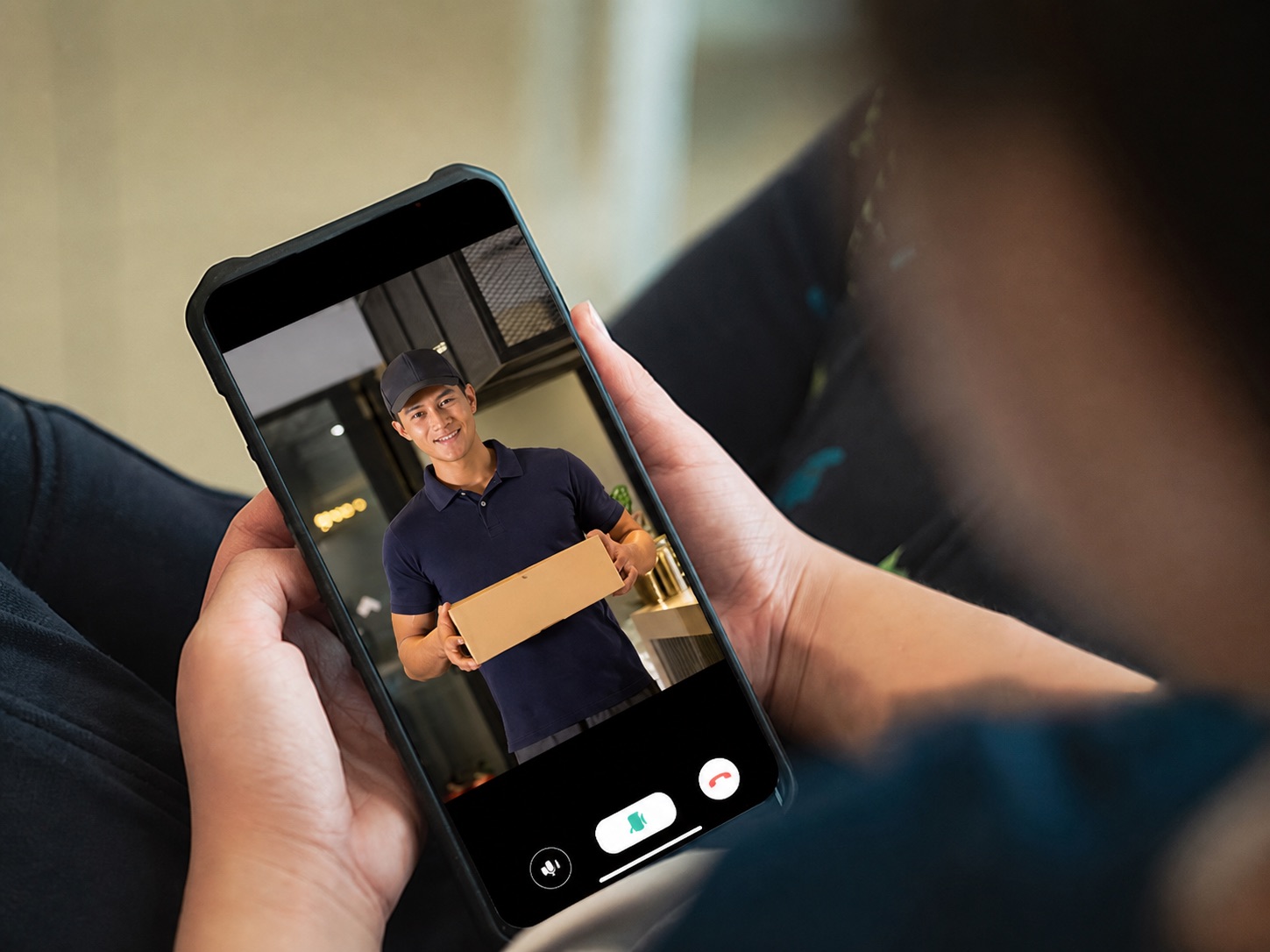
Tuya whole-home smart app
Use the configured app for supported video calls and authorized remote access. On-demand viewing lets you check the doorstep without waiting for a doorbell call; it is not a promise of continuous video recording.
Courier: Your delivery is here.
Resident: Please leave it by the door.
The older call illustration describes voice-changing. Availability in the supplied Tuya app version must be demonstrated before this option is included in your purchase.
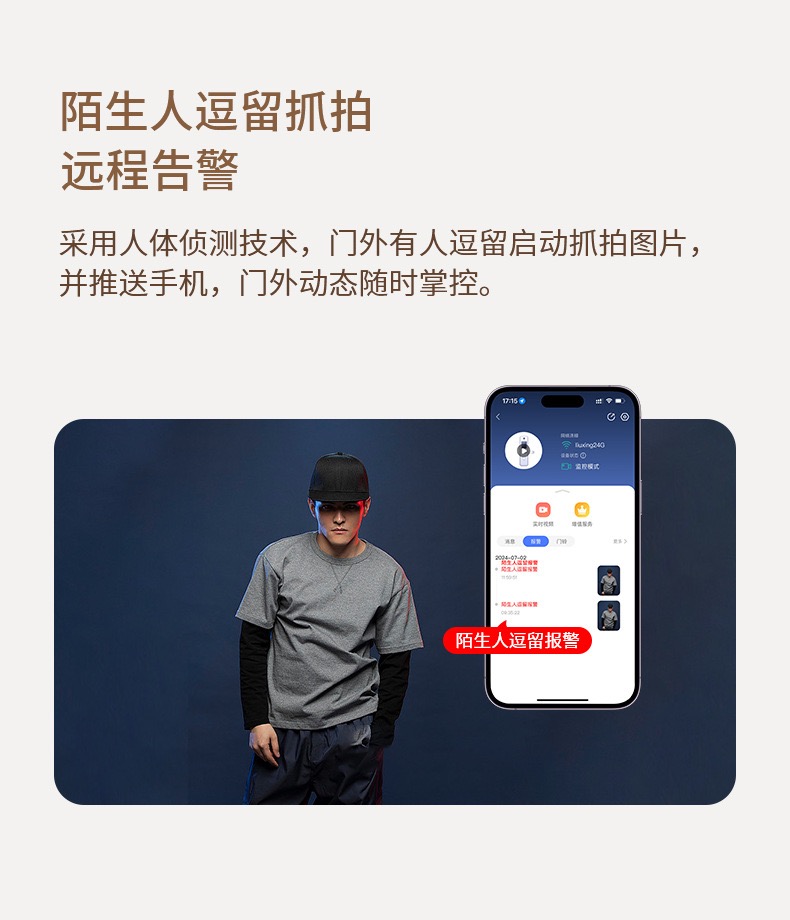
The supplied materials describe presence-triggered snapshots and phone alerts when someone remains near the door. Detection settings, notifications and available records depend on setup and connectivity. Presence detection does not establish identity or intent.
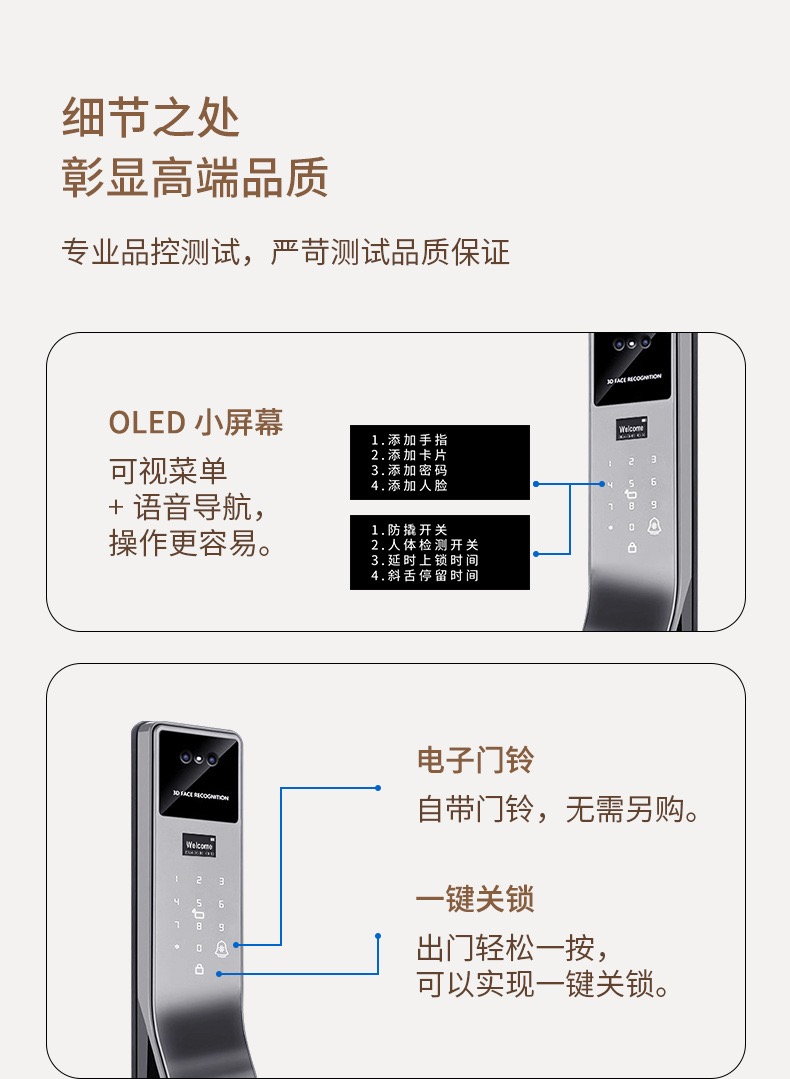
The front menu supports enrolment and settings with voice guidance. The built-in doorbell calls attention to a visitor, and the one-touch lock control lets you lock as you leave. Available menu languages are checked on your unit.
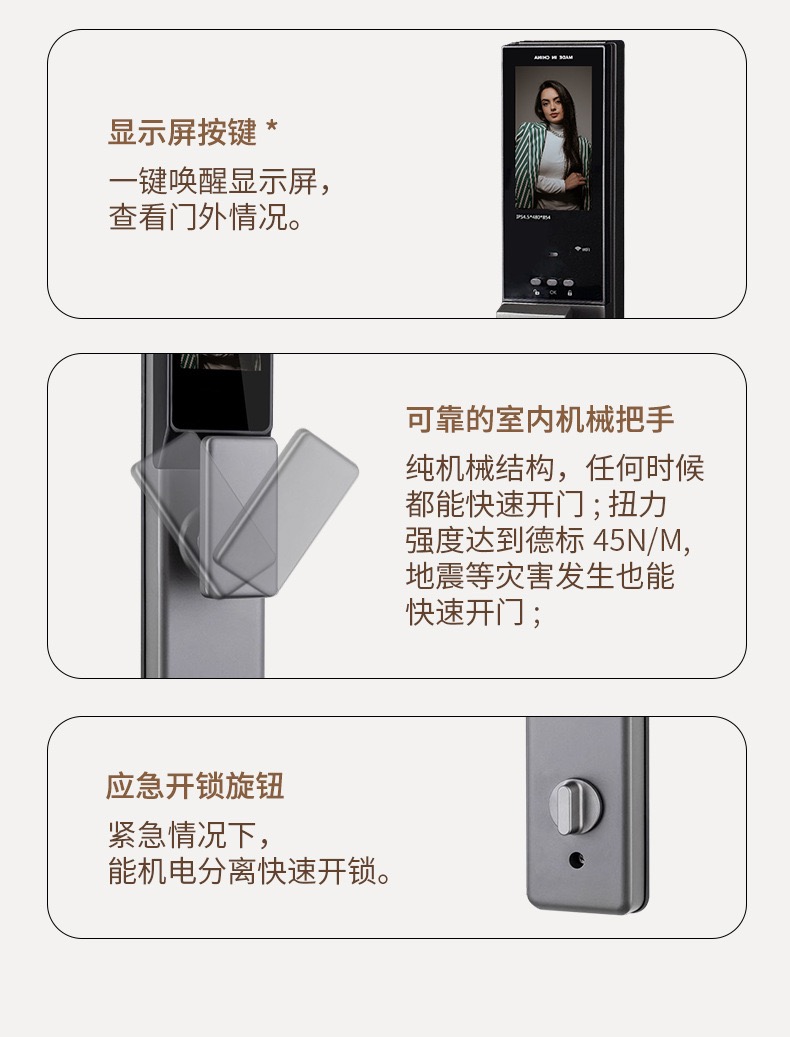
The illustrated indoor handle provides a mechanical exit control. Operation, privacy settings and the separate emergency rotary control are demonstrated during installation.
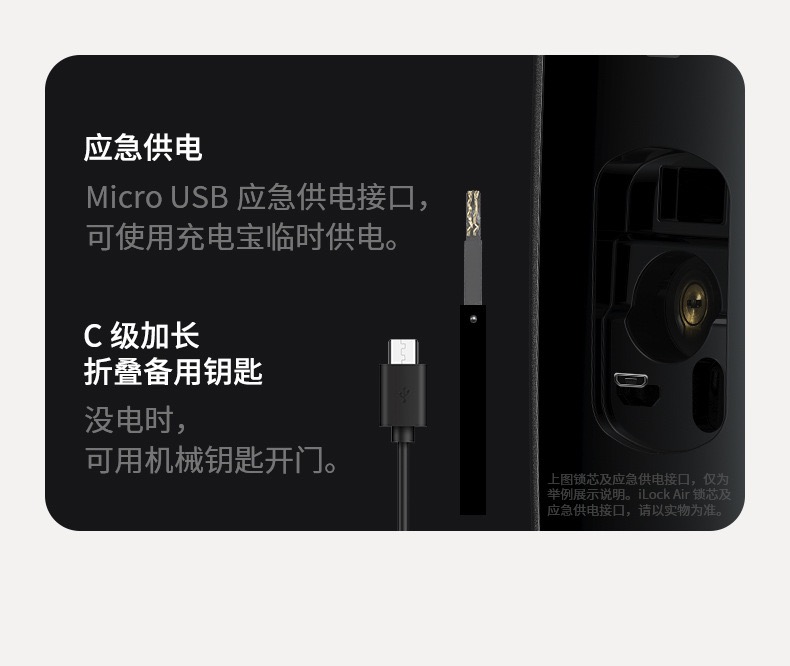
Keep a backup key accessible to an authorized person. A compatible power bank can temporarily power authorized entry. The old connector illustration is a reference only; confirm the actual port and power requirements on the supplied lock.
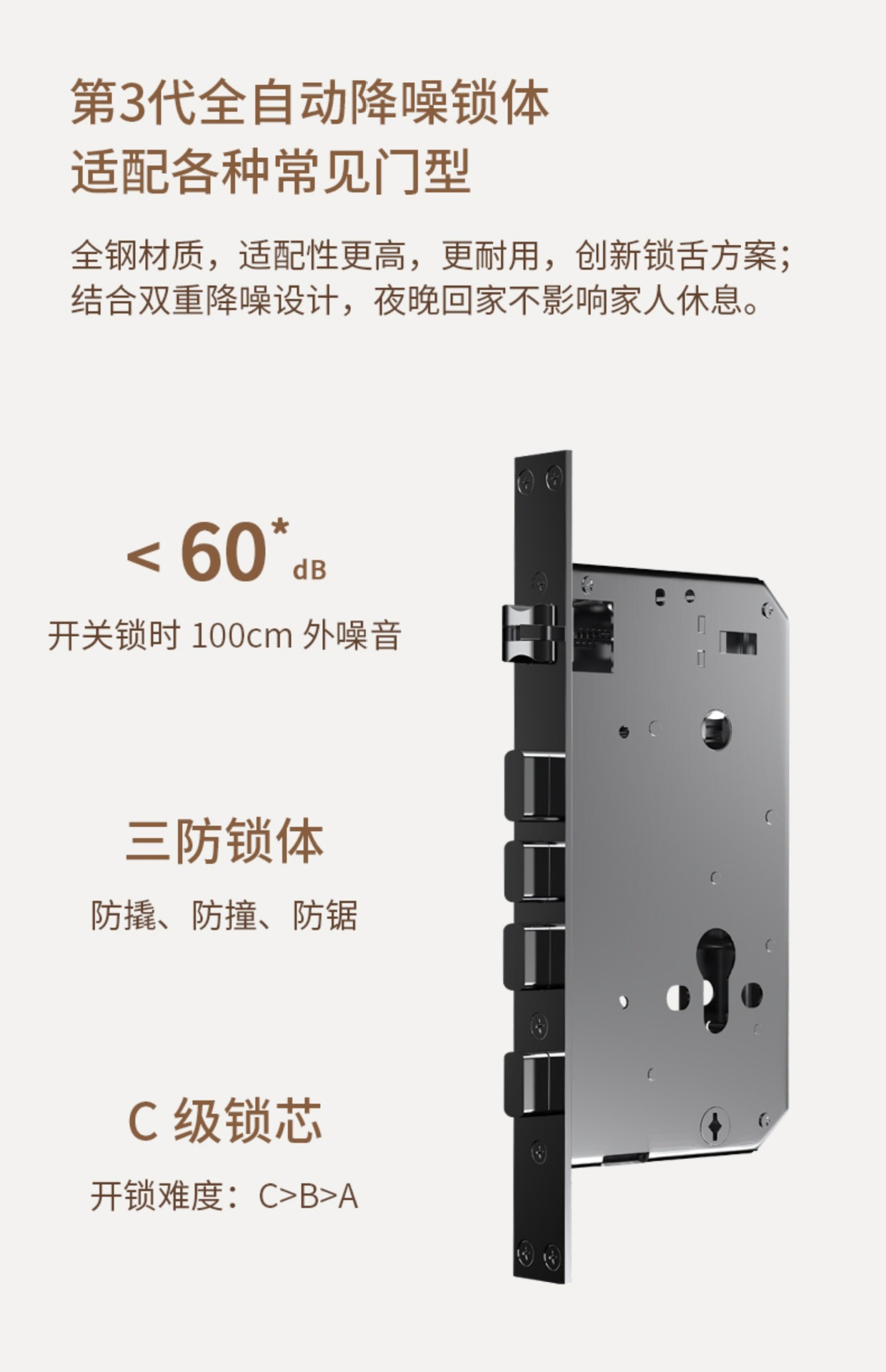
The supplied illustration shows a steel automatic mortise. The actual mortise, cylinder, dimensions and door compatibility are confirmed before installation. Noise varies with the door, fitting and use.
Repeated incorrect entries can trigger an alert; thresholds follow the supplied configuration.
The listed tamper function warns of supported tamper events. It is not a guarantee against forced entry.
Check the front and rear battery indicators and recharge before the battery is depleted.
Ask for a demonstration of the rotary control and its effect on authorized entry.
This overview groups entry credentials, password options, connected controls and emergency support—not 12 independent authentication methods. The eight entry options listed earlier remain unchanged.
Palm recognition follows the existing supplied specification. Dual-verification combinations, video access and smart-band compatibility require configuration checks. Emergency power supports an authorized unlocking method; it does not bypass authentication.
EXTERIOR DETAIL
A gray, baked-paint aluminium-alloy body, a curved exterior handle and a separate indoor control panel.
Select a detail to explore
The exterior panel brings together the recognition window, keypad and front doorbell. The markers identify visible areas, not the exact positions of internal sensors.
AI-enhanced product illustration based on the supplied reference. Finish and details are confirmed with the supplied configuration.
System overview
A guide to the modules listed in the product specification. This shows functional relationships, not a physical teardown, wiring diagram or verified internal layout.
Module names come from the supplier sheet. Positions, circuit routing and component dimensions are not represented.
POWER & BACKUP
A 4200 mAh lithium battery powers DX-11 Plus. Both the front and rear displays show the remaining battery level, so charging can be planned before the power runs out.
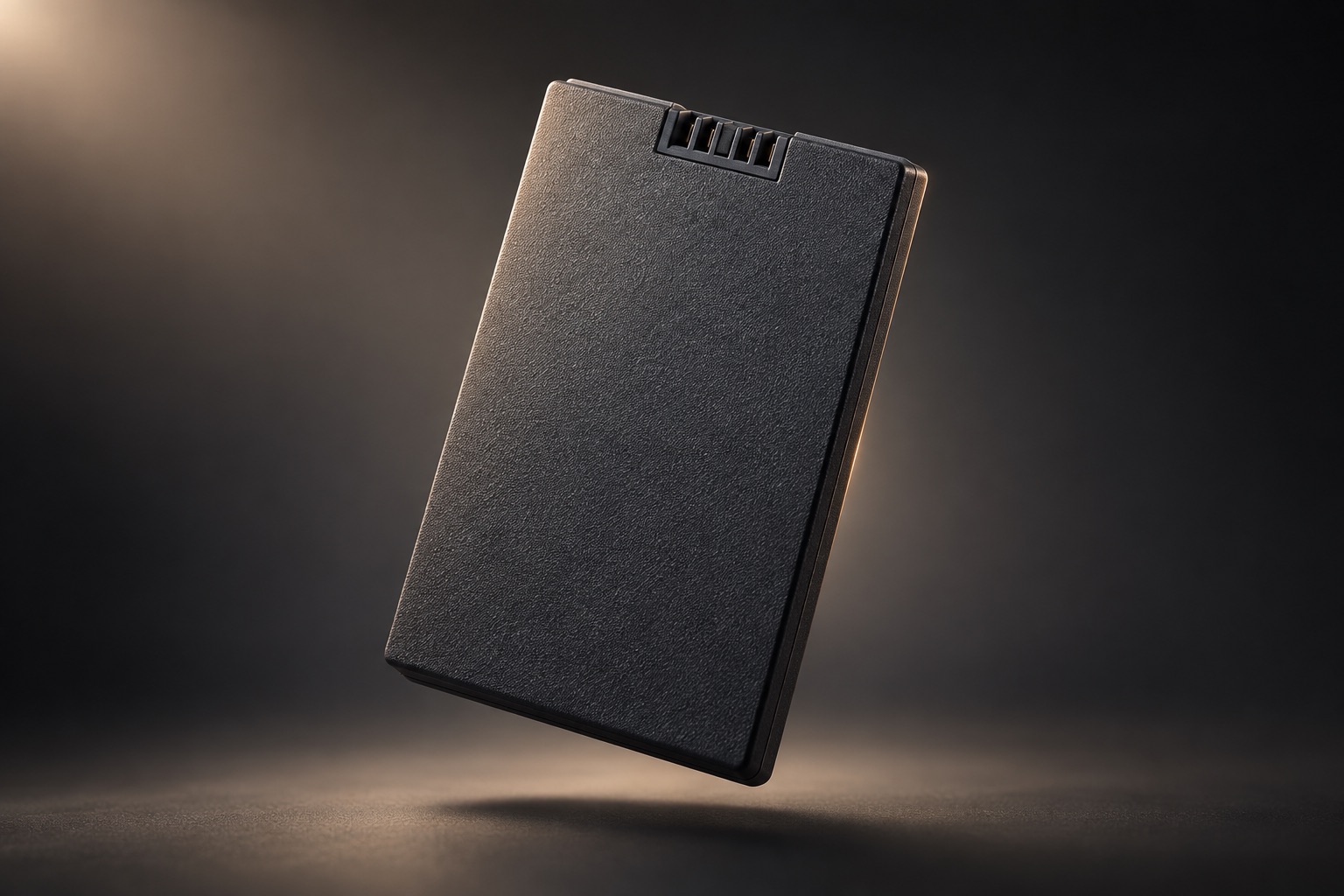
Follow the supplied battery and charging instructions. Capacity is not a fixed battery-life promise.
If depleted, connect a compatible power bank at the exterior emergency-power port and use an authorized entry method.
A mechanical key provides a separate entry option. Keep a key securely accessible to an authorized person.
ENTRY OPTIONS
The supplied DX-11 face-recognition specification lists these options. Phone and WeChat functions require the supported account, app and connection setup.
THE DETAILS
Technical details are drawn from the supplied DX-11 face-recognition sheet and previously supplied product information, not independent test results. Confirm the sales configuration, charging equipment, app functions, included accessories and installation scope in the quotation.
Send the front, back and edge of the door, your location and the access methods you want. Our Accra team will help check compatibility and the installation scope.